

Network map · meal planning and shopping lists
Plan the week, shop the list, cook the plan.
Six lines run from your kitchen table: a week plan on a calendar, a recipe book of your own, a shopping list, shop day with due dates and tick-offs, and a catalog of the products you buy, sorted into categories. Ride one, or all six.
Interchange
Kitchen table
All six lines leave from here: plan the week, keep your recipes, write the list, shop it, and build your catalog. Pick a line on the map or under the headline to see its steps.
Departures
Six lines, one kitchen.
Each part of the app runs as its own line, with the real steps as stations. Choose a row to see every stop it makes.
The route
Every station is one small step.
A day, a recipe, an item, a category: one thing at a time, from the first stop to a week that is sorted.
Line WP · Platform 1
The Week Plan
Seven days on a calendar, with the meal sections you choose. Put a recipe on a day and the week takes shape.
- Calendar
- 7 days
- Meal sections
-
WP1
Open the week
Seven days side by side on a calendar, Monday to Sunday.
-
WP2
Set your meal sections
Breakfast, lunch, dinner, or whatever sections your days really have.
-
WP3
Put a recipe on a day
Choose from your own recipe book and drop it into a section.
-
WP4
Change your mind
Swap Thursday for Friday or clear a day when plans change.
-
WP5
Look at the week ahead
See every planned meal at once before you write the list.
-
WPT · Terminus
A week with every meal in its place
Seven days planned on the calendar, so nobody asks what is for dinner at six.
Line RB · Platform 2
Your Recipe Book
The dishes you actually cook, written down your way: a title, a photo and notes with the method.
- Title
- Photo
- Notes
-
RB1
Name the dish
Start a recipe with the title your family already uses.
-
RB2
Add a photo
A picture of the finished plate, so you know it at a glance.
-
RB3
Write the ingredients
What goes in and how much, in your own notes.
-
RB4
Write the method
Steps, headings and lists in rich notes, as long or short as you like.
-
RB5
Keep it for next time
Every recipe you save is ready to plan into another week.
-
RBT · Terminus
A recipe book of your own
The dishes your kitchen cooks, each with its photo and notes, all in one place.
Line SL · Platform 3
The Shopping List
Write the list from catalog products or one-off items, each with the quantity you need.
- Catalog items
- One-off items
- Quantity
-
SL1
Start a list
One list for the big weekly shop, another for the market.
-
SL2
Pick a catalog product
Things you buy often come straight from your catalog.
-
SL3
Type a one-off item
Candles for a birthday cake? Type it in, no catalog entry needed.
-
SL4
Set the quantity
Two cans, 500 g, six eggs: the amount sits next to the item.
-
SL5
Read it through
Check the list against the week plan before you head out.
-
SLT · Terminus
A list ready to shop
Every item the week needs, written down once, with its quantity beside it.
Line SD · Platform 4
Shop Day
Due dates tell you what to buy first; ticking items off shows what is still to find.
- Due date
- Tick off
-
SD1
Give items a due date
Mark what you need by Tuesday so it is in before the meal.
-
SD2
Shop the earliest first
Due dates show which items cannot wait until the weekend.
-
SD3
Tick it off
Check each item as it goes in the basket.
-
SD4
See what is left
Unticked items stand out, so nothing gets walked past.
-
SDT · Terminus
A ticked-off list
Every line checked, the basket full and nothing forgotten for the week ahead.
Line PC · Platform 5
The Product Catalog
The things you buy again and again, each saved once with the unit you buy it in.
- Products
- Units
-
PC1
Add a product
Oats, olive oil, lemons: name the things you buy again and again.
-
PC2
Choose its unit
Grams, litres, pieces or cans, so every quantity reads the right way.
-
PC3
Tidy the names
One name per product keeps every list easy to read.
-
PC4
Use it on any list
Pick the product once it exists and skip the typing next week.
-
PCT · Terminus
A catalog of what you buy
Your usual products, each with its unit, one tap from a list.
Line CT · Platform 6
Categories
Sort the catalog into categories of your own, nested as deep as you like.
- Categories
- Subcategories
-
CT1
Make a category
Fruit and vegetables, dairy, dry goods, or names of your own.
-
CT2
Nest the categories
Put citrus inside fruit, and fruit inside fresh.
-
CT3
File each product
Every catalog product sits in the category it belongs to.
-
CT4
Find it fast
Open a category and the product you want is right there.
-
CTT · Terminus
A tidy category tree
Your catalog sorted the way you think about food, branch by branch.
Plan a sample week
Plan the meals. Then shop the list.
Choose a dinner for each day and the shopping list follows, with the same items added together. Tick things off as they go in the basket. Nothing here leaves your browser.
Sample recipes · change a day and the list follows
Plan changes
Signal check
Find the line that trips the shop.
Each list below has one line that will cause trouble at the shop or at the stove. Pick it and the signal tells you why.
Pick the line you think is off.
Terminus
Every line ends at a sorted kitchen.
The last stop is something you can use tonight: a planned week, a recipe book, a ticked-off list, a catalog ready for the next shop.
-

WPT · Terminus
A week with every meal in its place
Seven days planned on the calendar, so nobody asks what is for dinner at six.
LineThe Week Plan Plat.1 Stops5 -
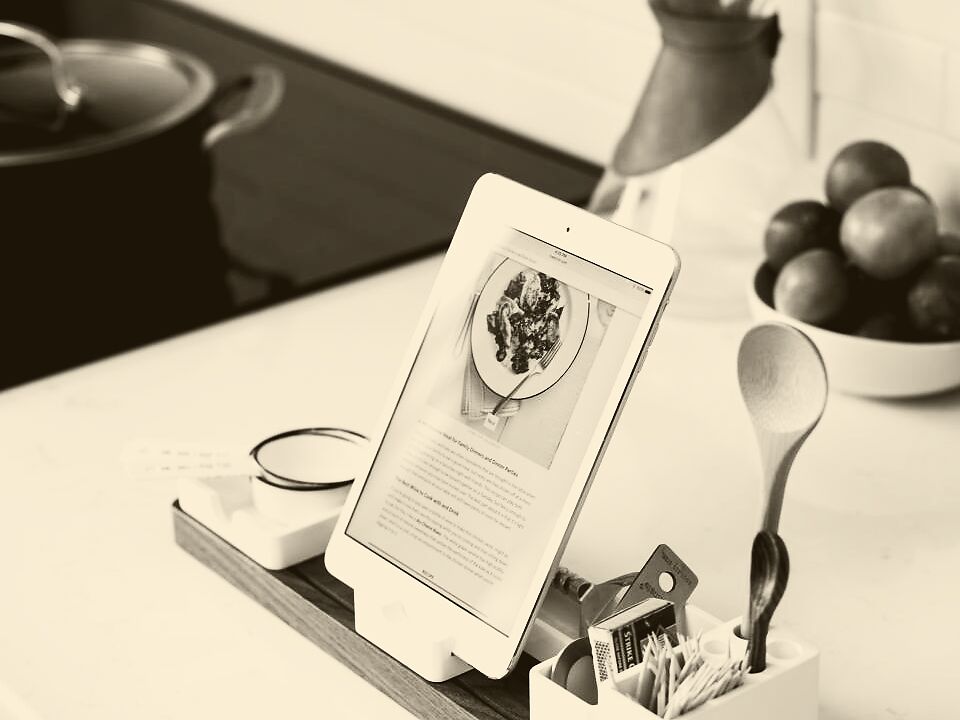
RBT · Terminus
A recipe book of your own
The dishes your kitchen cooks, each with its photo and notes, all in one place.
LineYour Recipe Book Plat.2 Stops5 -
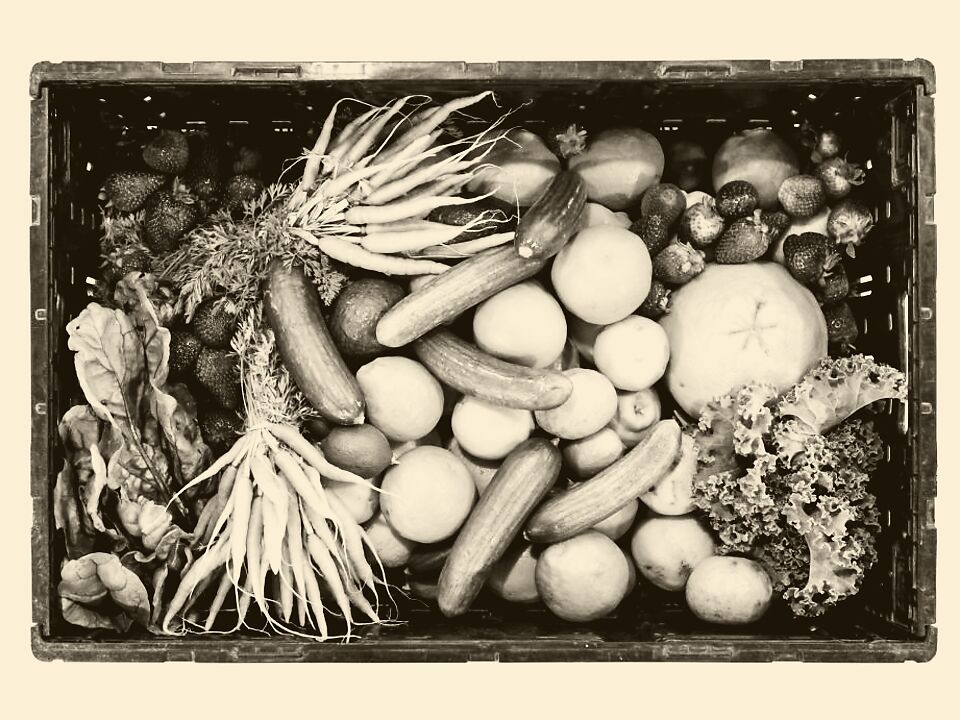
SLT · Terminus
A list ready to shop
Every item the week needs, written down once, with its quantity beside it.
LineThe Shopping List Plat.3 Stops5 -

SDT · Terminus
A ticked-off list
Every line checked, the basket full and nothing forgotten for the week ahead.
LineShop Day Plat.4 Stops4 -

PCT · Terminus
A catalog of what you buy
Your usual products, each with its unit, one tap from a list.
LineThe Product Catalog Plat.5 Stops4 -

CTT · Terminus
A tidy category tree
Your catalog sorted the way you think about food, branch by branch.
LineCategories Plat.6 Stops4

Platform 0 · all lines
Boarding at the kitchen table
-
01
Start with one week. Put a few meals on the calendar in the sections you choose.
-
02
Save the dishes you cook in your recipe book, with a photo and your own notes.
-
03
Write the shopping list from catalog products or one-off items, each with a quantity and a due date.
-
04
Tick items off at the shop and see at a glance what is still to buy.
Mind the gap between the plan and the plate.
See the plansPricing
One plan, all six lines.
Choose the plan that suits your kitchen. You can cancel your subscription from your profile at any time.
-
Kitchen pass
Handy start
Demo Lite
€59.59
Valid 28 days · renews
3-day trial | €0.10
- Test Benefit 1
- Test Benefit 2
Announcements
Questions from the kitchen.
Anything else? The contact page reaches a person.
Contact usAnnouncement 01 What can I do with it?
Plan your meals on a weekly calendar, keep your own recipe book, write shopping lists and keep a catalog of the products you buy, with categories and units.
Announcement 02 Can I change the meal sections?
Yes. The week plan uses the sections you set, so it can be breakfast, lunch and dinner, or just dinner, or anything in between.
Announcement 03 Do I have to use the catalog for every item?
No. Pick a catalog product for the things you buy often, or type a one-off item straight onto the list.
Announcement 04 What goes on a shopping list line?
The item, its quantity and a due date. Tick it off when it is in the basket.
Announcement 05 What does a recipe hold?
A title, a photo and notes, where you write the ingredients and the method in your own words.
Announcement 06 Is my account just for me?
Yes. Each account is a single user with its own plans, recipes, lists and catalog.
Announcement 07 How do I cancel my subscription?
From your profile page, at any time. The subscription policy explains how billing, trials and cancellation work.